Home Low entry-level laserprinter for transfer paper

Low entry-level laserprinter all kind of  transferpapers

Unleash your creativity with the HP color Laserjet Pro 4202! This perfect entry-level printer for CMYK applications comes with a free box of transfer paper, allowing you to explore its full potential.
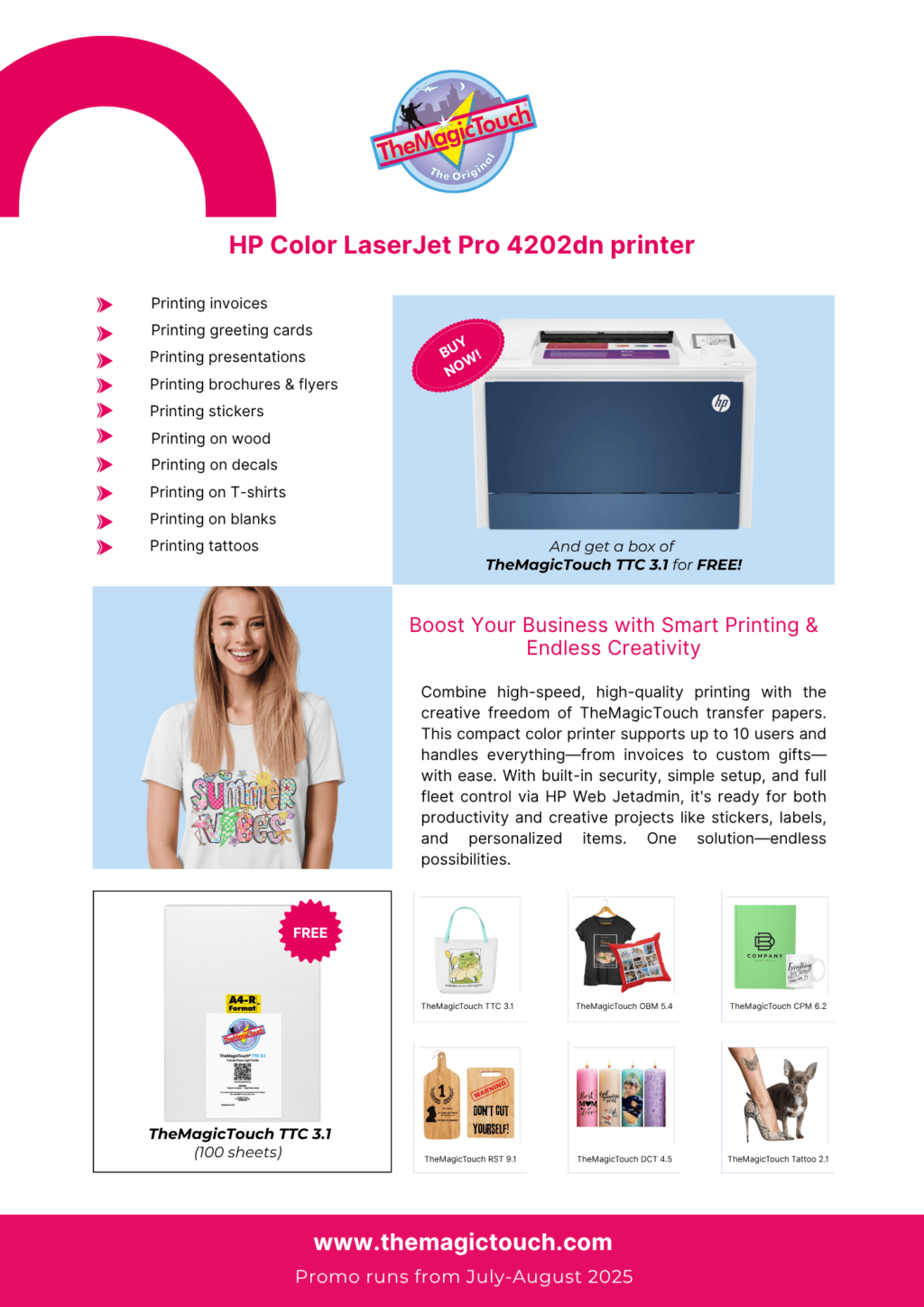
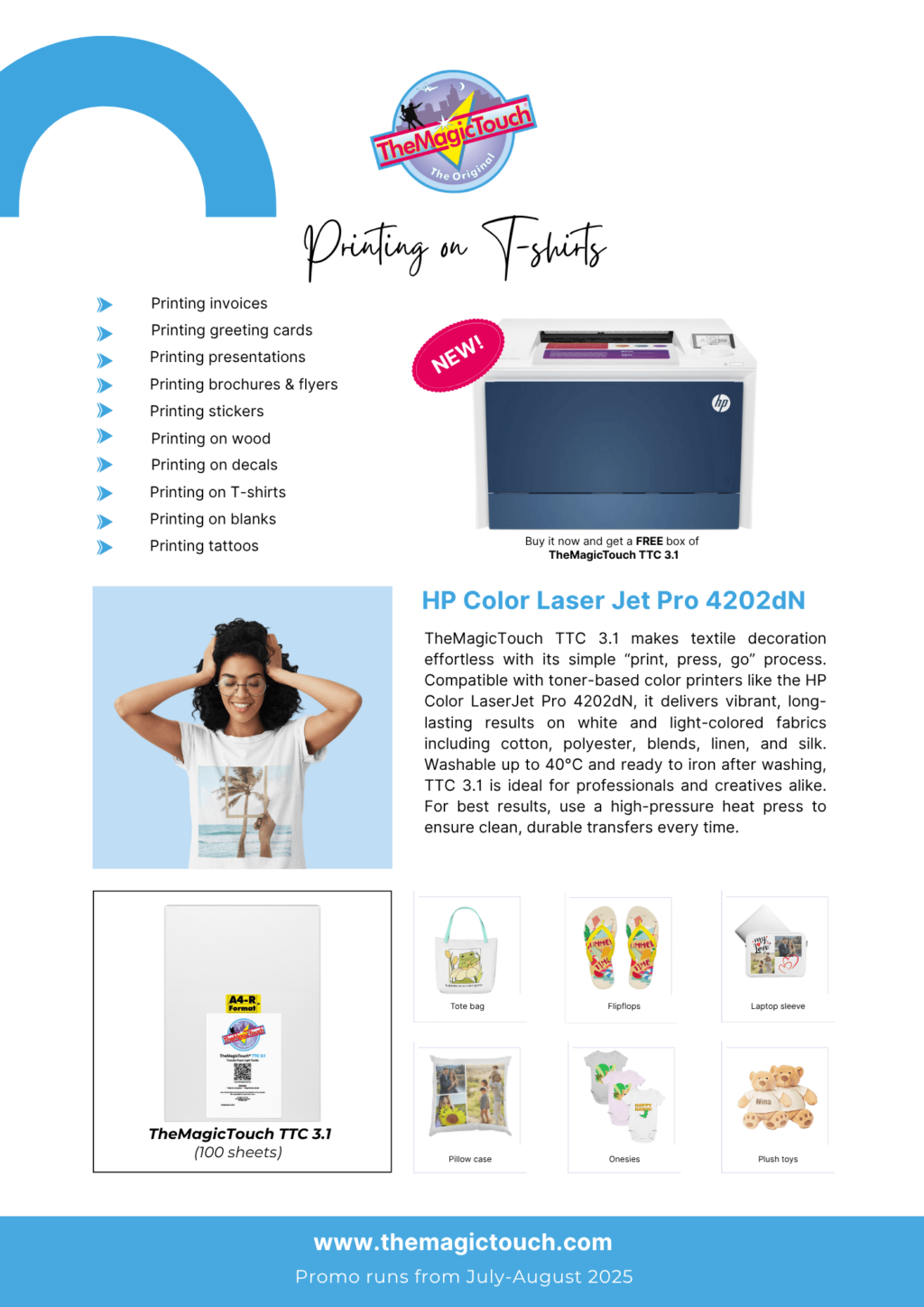
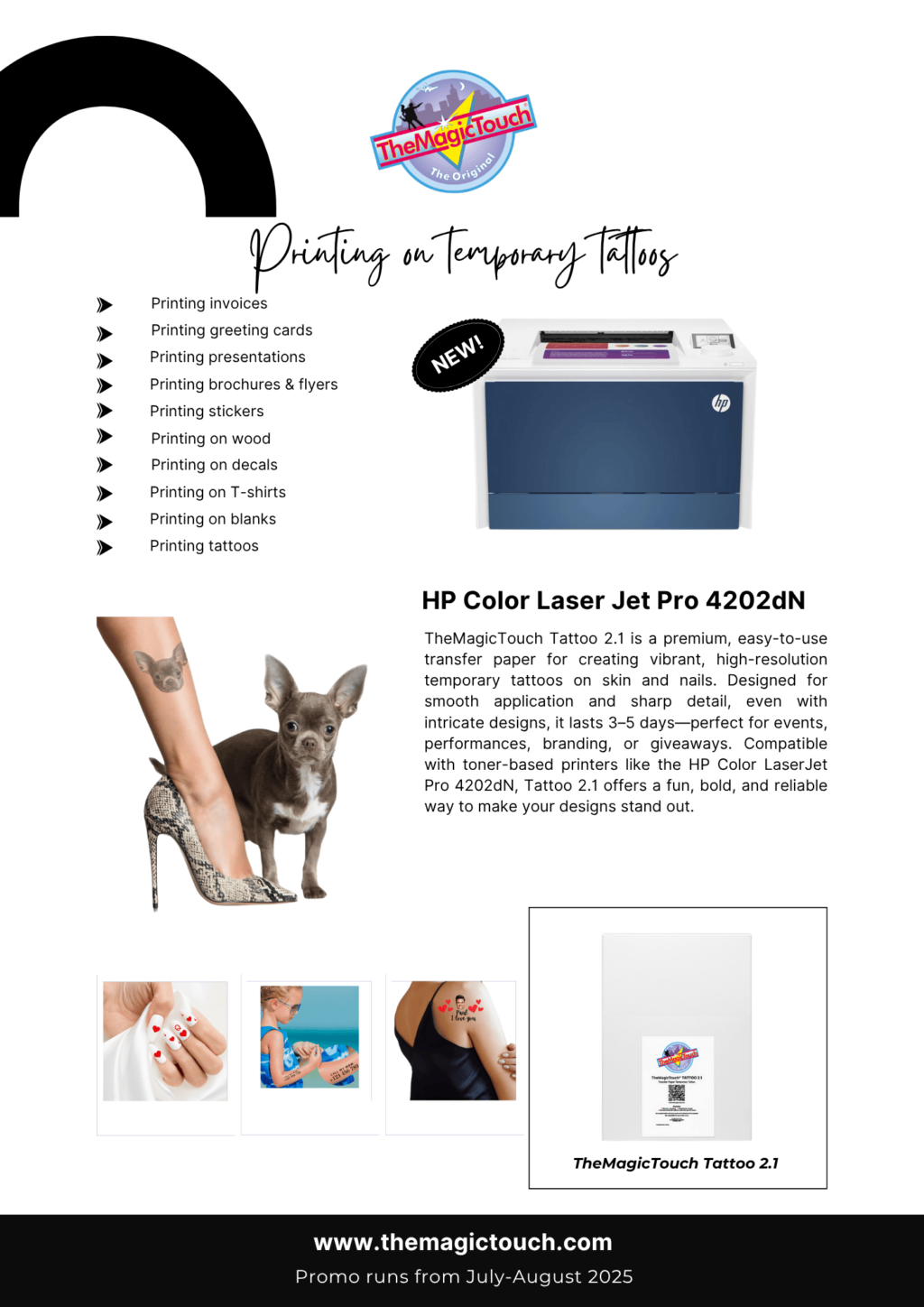
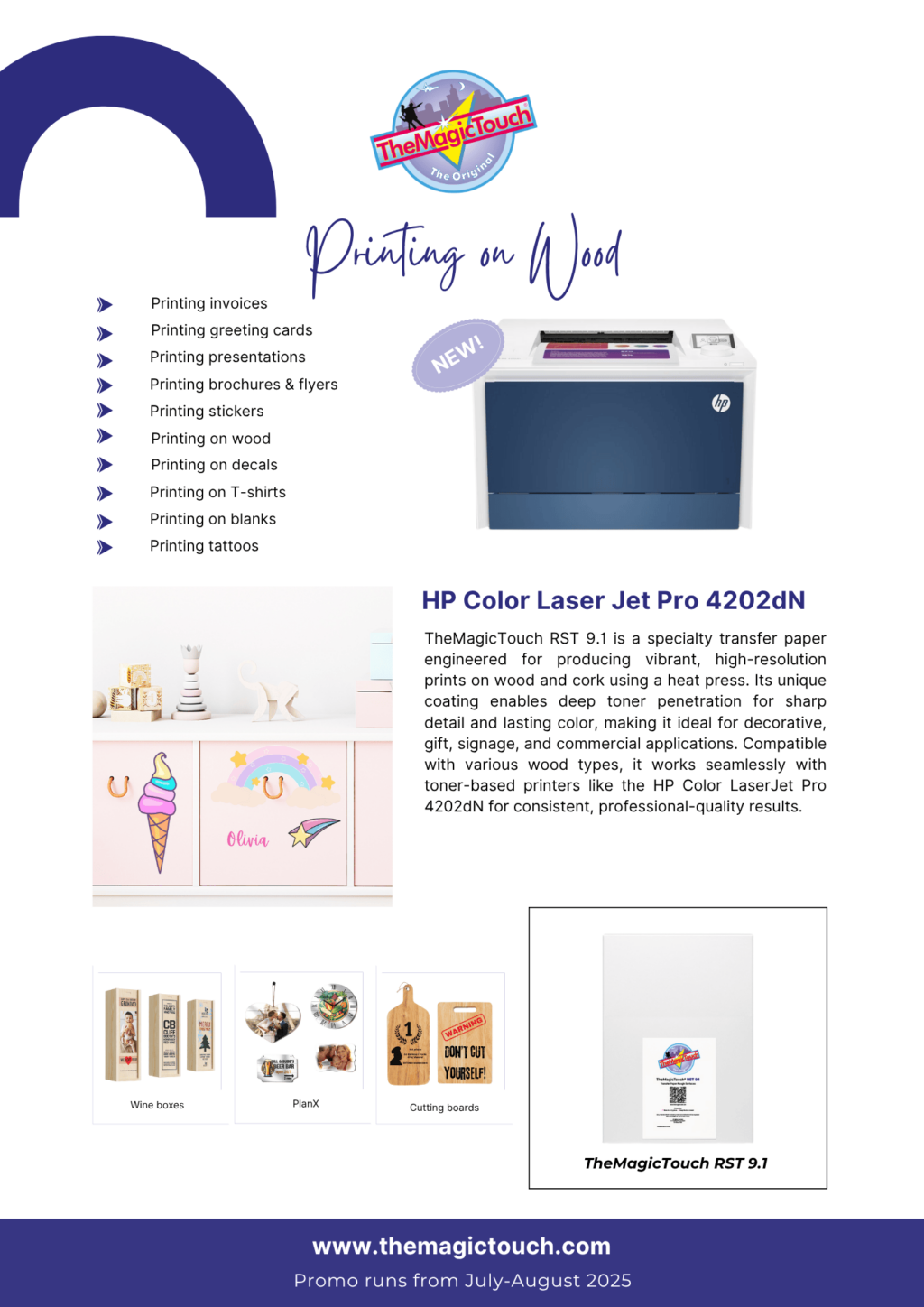
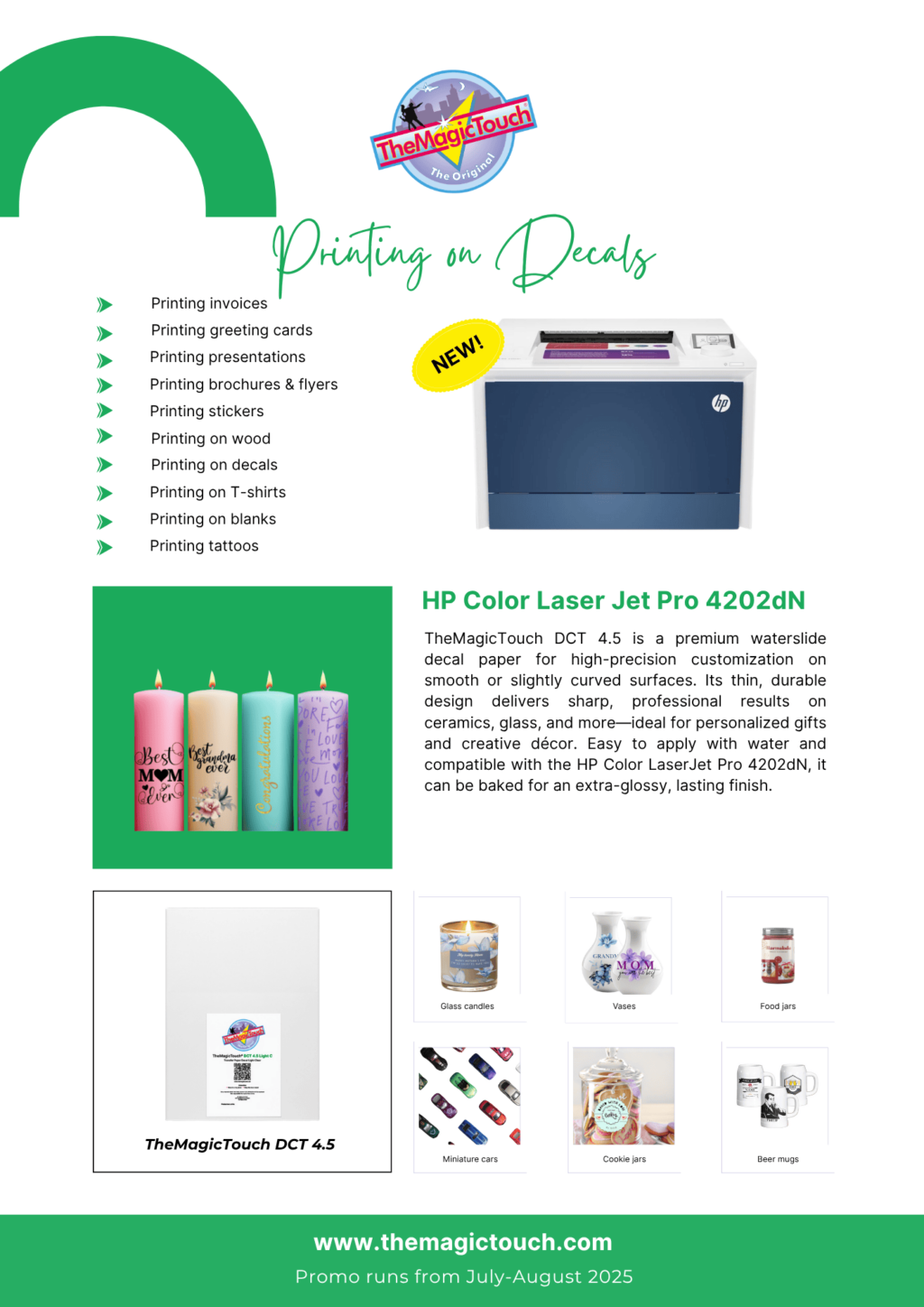
Click on one of the flyers!

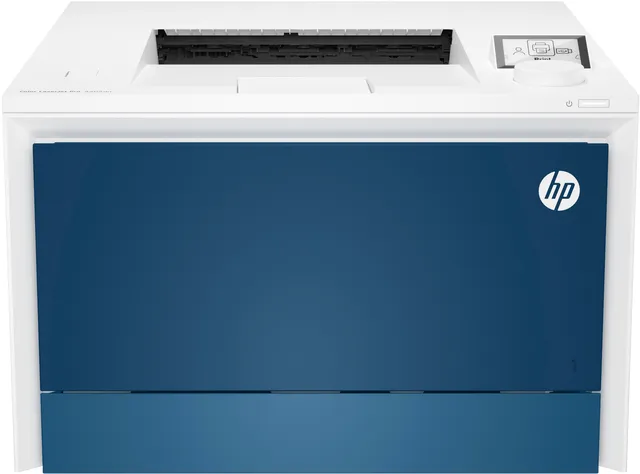
HP Color LaserJet Pro 4202dn printer

299,00
You save

Whether you work commercially or as a hobby, the entry-level HP LaserJet 4202dn in combination with transfer paper offers you a versatile solution that allows you to print on a wide range of materials for a very low investment.

Order now and receive :
A free box of TheMagicTouch 3.1 A4R transferpapers
Valid up to 31-08-2025

SKU: HP Category: Brand:
Read more

Frequently Asked Questions 14

Yes, the HP Color LaserJet Pro 4202dn is a color laser printer that’s suitable for printing on various types of transfer paper, including those for T-shirts, mugs, and other personalized items.

This printer can handle a wide range of transfer papers, including heat transfer paper for dark and light fabrics, as well as special transfer papers for hard surfaces like metal, ceramic, and wood, provided they are designed for laser printers and fall within the printer’s specifications (weight, size).

Yes, the HP Color LaserJet Pro 4202dn is known for its sharp prints and vibrant colors, which is essential for high-quality transfers. The printer uses HP’s toner technology to ensure consistent color reproduction.

The HP Color LaserJet Pro 4202dn does not contain white toner, but with TheMagicTouch OBM transfer paper for dark T-shirts and a print-and-cut process, you can still apply white and colorful designs on dark fabrics.

The HP Color LaserJet Pro 4202dn features versatile paper handling and can manage various paper weights. Always consult the printer’s specifications and the transfer paper’s instructions to ensure the transfer paper’s weight is within the printer’s range to prevent jams. The printer can handle paper up to 176 g/m² via the standard trays and up to 200 g/m² via the multipurpose tray.

Yes, for printing on t-shirts, wood and other hard surfaces you need a heatpress, for decals or temporary tattoos you do not need a heatpress, only water.

The printer is designed with energy efficiency in mind and complies with various standards, such as Energy Star. This contributes to lower long-term operating costs.

Yes, the ‘dn’ in the model name stands for ‘duplex’ (automatic double-sided printing) and ‘network’ (network functionality). The printer features an Ethernet port, making it easy to integrate into a network.

The printer offers a high print resolution, typically up to 600 x 600 dpi, resulting in sharp details and smooth color gradients, ideal for complex designs on transfer paper.

Print speed can vary depending on the type of transfer paper and the complexity of the image. Generally, the HP Color LaserJet Pro 4202dn has a respectable print speed for a printer in its class, ensuring an efficient workflow.

Yes, HP provides comprehensive support for their printers, including drivers, manuals, and online support. There are also many online communities and forums where users share tips and tricks.

Absolutely. In addition to printing on transfer paper, the HP Color LaserJet Pro 4202dn is also perfectly suited for daily office printing, such as documents, reports, and presentations, thanks to its fast print speed and professional quality.

Toner cartridges for the HP Color LaserJet Pro 4202dn are easy to replace, and you can choose the type that best suits your needs. Use original toner for the best results when working with transfer paper.

For the best results, it’s always advisable to follow the transfer paper’s instructions. You can find the instructions in our helpcenter.